
Udio vs MusicFlowAI: Audio Fidelity Meets Full Content Pipeline

Udio and MusicFlowAI represent two philosophies in AI music. Udio is laser-focused on producing the best possible audio. MusicFlowAI is focused on turning that audio into published content. If you are deciding between them, the right choice depends on what you plan to do after the track is generated.
Where Udio Excels
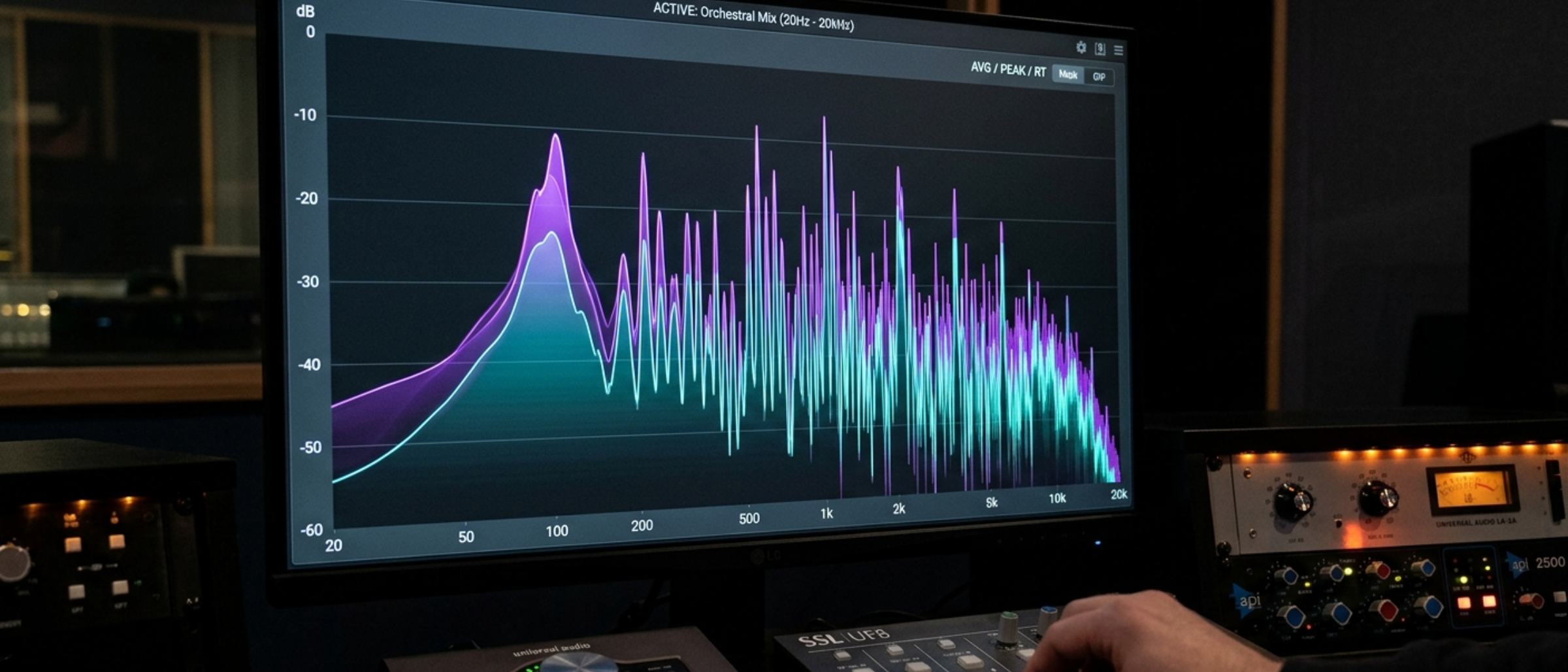
Udio has earned its reputation as an audiophile's AI music tool. Their model produces tracks with exceptional clarity, dynamic range, and instrumental detail. A few areas where Udio genuinely excels:
Orchestral and jazz compositions. Udio handles complex harmonic progressions and instrumental interplay better than most competitors. A generated jazz trio track can sound convincingly natural, with piano, bass, and drums responding to each other in ways that feel organic rather than mechanical.
Audio fidelity. The mastering quality of Udio's output is consistently high. Tracks have good frequency balance, appropriate compression, and a professional sheen that requires little to no post-processing.
Stem control. Udio offers more granular control over individual elements of a composition. This is valuable for musicians who want to isolate and edit specific parts of a generated track.
Complex arrangements. Where some AI music tools struggle with songs that change tempo, key, or feel, Udio handles transitions more gracefully. This matters for genres like progressive rock, classical, or cinematic scoring.
These are genuine strengths, and if audio quality is your primary concern, Udio deserves serious consideration.
Where MusicFlowAI Excels
MusicFlowAI approaches AI music from the content creator's perspective rather than the musician's perspective. The platform is built around a simple insight: generating a great track is only about 20% of the work involved in publishing music content to YouTube.
The full pipeline. MusicFlowAI handles lyrics generation (via AI Producers with custom personas), audio generation (via integrations with Suno, Udio, and ElevenLabs), video creation (via a built-in Remotion-powered editor), AI thumbnail generation, YouTube metadata creation, and auto-publishing. Each step feeds into the next.
Autopilot mode. Set a schedule, assign a Producer, and MusicFlowAI will generate lyrics, create audio, produce a video, generate a thumbnail, write metadata, and publish to YouTube without any manual intervention. This is designed for creators who want to run channels consistently without spending hours per upload.
Multi-channel management. Run a lo-fi channel, a meditation music channel, and a workout beats channel from a single dashboard. Each can have its own Producer, schedule, and YouTube connection.
Video editor. The built-in video editor supports multiple tracks, captions, templates, and transitions. It is not a replacement for Premiere Pro, but it handles music video creation well enough that most creators never need to open another editor.
Feature Comparison
| Feature | Udio | MusicFlowAI |
|---|---|---|
| Audio Quality | Excellent (proprietary model) | Good (via Suno, Udio, ElevenLabs integrations) |
| Orchestral/Jazz | Exceptional | Depends on provider |
| Stem Control | Yes | No |
| Lyric Generation | Basic | Advanced (AI Producers) |
| Video Creation | No | Yes |
| Thumbnail Generation | No | Yes |
| YouTube Publishing | No | Yes (auto) |
| Scheduling | No | Yes (Autopilot) |
| Multi-Channel | No | Yes |
| Caption Generation | No | Yes |
| Content Calendar | No | Yes |
The Workflow Comparison
Here is a practical example. Say you want to publish a 3-minute lo-fi hip-hop track to YouTube.
Udio workflow:
- Write a prompt and generate the track on Udio (5 minutes)
- Download the audio file
- Find a background video or create visuals in another tool (15-30 minutes)
- Edit the video in Premiere, CapCut, or similar (20-40 minutes)
- Create a thumbnail in Canva or Photoshop (10-15 minutes)
- Write a title, description, and tags (10 minutes)
- Upload to YouTube and fill in metadata (10 minutes)
- Total: roughly 70-100 minutes per track
MusicFlowAI workflow:
- Select your Producer and generate lyrics (2 minutes)
- Generate audio using your preferred provider (2 minutes)
- Generate video from a template (3 minutes)
- Generate thumbnail (1 minute)
- Review auto-generated metadata and publish (2 minutes)
- Total: roughly 10-15 minutes per track
MusicFlowAI Autopilot workflow:
- Set it up once (15 minutes)
- Total per track: 0 minutes (fully automated)
The time savings compound. If you publish daily, the Udio manual workflow costs you roughly 35-50 hours per month in post-production work. MusicFlowAI reduces that to under 8 hours, or zero with Autopilot.
Pricing Considerations
Udio's pricing focuses on generation credits. You pay for the number of tracks you can generate per month.
MusicFlowAI's pricing covers the entire pipeline:
- Starter ($19/mo): Core pipeline access
- Growth ($49/mo): Autopilot, multiple channels (most popular)
- Scale ($95/mo): Higher limits, priority rendering
- Unlimited ($195/mo): No generation caps
When comparing costs, factor in the tools MusicFlowAI replaces. A typical YouTube creator's toolkit might include an audio generator ($10-20/mo), video editor ($10-30/mo), thumbnail tool ($10-15/mo), and scheduling tool ($10-20/mo). MusicFlowAI consolidates all of these.
Can You Use Both?
Yes, and many creators find this to be the ultimate workflow. MusicFlowAI provides specialized tools to import tracks you've created on Udio. This allows you to use Udio's specific audio model when you want that particular sound, while still benefiting from MusicFlowAI's world-class automation for video creation, thumbnails, metadata, and publishing.
This is a powerful combination for high-end channels: use Udio for experimental sound design, and then let MusicFlowAI handle the heavy lifting of turning those audio files into a professional YouTube presence.
Who Should Choose Udio?
- Musicians who want to produce high-quality audio and do not need publishing automation
- Producers looking for AI-assisted composition with fine-grained control
- Anyone working on orchestral, jazz, or complex arrangements
- Users who enjoy the hands-on process of manual post-production
Who Should Choose MusicFlowAI?
- YouTube creators who need to publish music content regularly
- Anyone running multiple music channels
- Creators who want to minimize time spent on post-production
- Users who value workflow efficiency over optimizing any single step
- Teams managing content at scale
Bottom Line
Udio makes some of the best AI-generated audio available today. That is not marketing speak; their model genuinely produces impressive results, especially for complex genres. If you are a musician or producer who wants the best raw audio, Udio is a strong choice.
MusicFlowAI is not trying to compete on raw audio quality. It is trying to solve a different problem: getting from "I have an idea for a track" to "it is live on YouTube" as efficiently as possible. For creators whose goal is published content rather than audio files sitting on a hard drive, that efficiency gap is what matters most. entire publishing lifecycle is what makes MusicFlowAI the superior choice.