
How to Create YouTube Music Videos with AI

You've generated a great AI music track. Now you need a video to go with it. For most YouTube music channels, this is the bottleneck - not the music itself, but turning audio into a complete, uploadable video with visuals that look professional enough to get clicks.
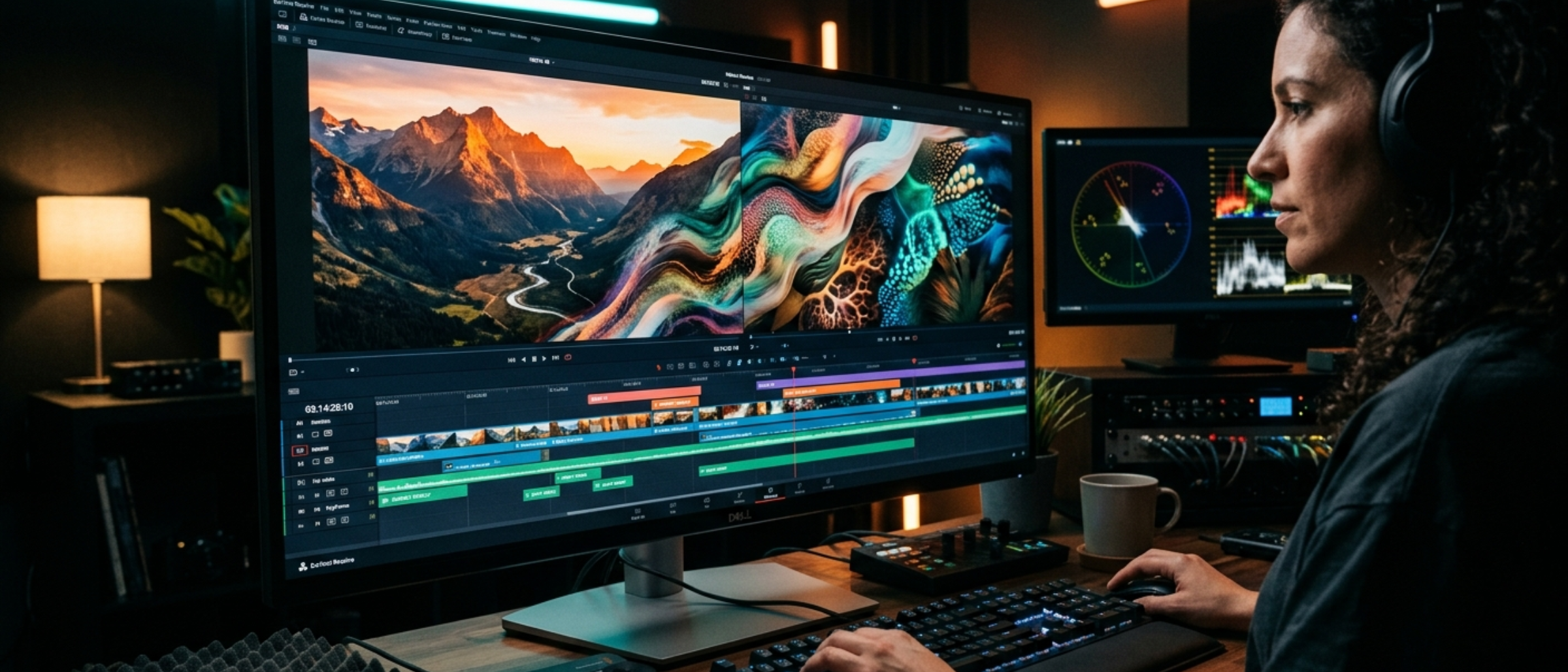
The good news: you no longer need After Effects skills or a stock footage budget to create compelling music videos. AI tools and programmatic video frameworks have made it possible to produce polished visuals at scale, and this guide covers exactly how.
Understanding What "Good Enough" Looks Like
Before diving into tools and techniques, let's calibrate expectations. Music videos on YouTube fall into a few distinct visual categories, and your approach should match your content type:
Background/ambient music channels: Viewers are primarily listening, not watching. A slowly moving visual, color gradient, or nature scene is perfectly adequate. Overthinking visuals here actually hurts - nobody wants a visually distracting video when they're trying to sleep or focus.
Singles and standalone tracks: These benefit from more creative visuals. Think lyric animations, abstract art, or themed imagery that matches the song's mood. The visual is part of the experience.
YouTube Shorts and promotional clips: These need to grab attention in the first second. Fast cuts, bold text, and eye-catching thumbnails matter more than artistic subtlety.
Match your visual effort to the format. A 10-hour sleep music video doesn't need cinema-quality visuals. A promotional Short for your latest single does.
Approach 1: AI-Generated Static Images with Motion
The simplest and often most effective approach. Generate a beautiful image with AI, then add subtle motion to turn it into a video.
Generating the Image
AI image generators have gotten remarkably good at creating artwork suitable for music videos. The key is writing prompts that produce images with depth and atmosphere, not just pretty pictures.
Effective prompt patterns for music visuals:
For ambient/sleep music: "Nighttime mountain landscape with aurora borealis, soft focus, dreamy atmosphere, dark blue and purple color palette, no text, cinematic aspect ratio"
For lo-fi/study music: "Cozy room interior at night, warm lighting from desk lamp, rain on window, books and plants, anime-inspired illustration style, atmospheric"
For electronic/EDM: "Abstract geometric shapes with neon lighting, dark background, cyberpunk color scheme, depth of field, 3D render style"
MusicFlowAI integrates with both Google Gemini and FAL AI for image generation, so you can generate visuals directly alongside your music without switching tools.
Adding Motion
A static image becomes a video with a few simple motion techniques:
Ken Burns effect (pan and zoom). The classic documentary technique works brilliantly for music videos. Slowly zoom into a detail of your image over 30-60 seconds, then cut to a slightly different crop and repeat. This creates gentle visual movement without any complex animation.
Parallax scrolling. Separate your image into foreground and background layers (AI tools can help with depth estimation) and move them at different speeds. This creates a subtle 3D effect that's much more engaging than a flat zoom.
Particle overlays. Add a transparent layer of slowly falling particles - snow, dust motes, rain drops, or floating embers. These are available as free overlay packs or can be generated programmatically.
Approach 2: Programmatic Video with Remotion
Remotion is a React-based framework for creating videos programmatically. Instead of dragging clips around in a timeline editor, you write code that describes your video composition. This might sound harder, but for music channels producing videos at scale, it's dramatically more efficient.
Why? Because once you've built a template, you can generate unlimited variations by changing the input data. Same visual style, different colors, different text, different durations - all generated automatically.
How Remotion Works
A Remotion composition is a React component where time is the primary variable. Each frame of the video is a rendered React component:
const MusicVisualizer = ({ audioUrl, title, color }) => {
  const frame = useCurrentFrame();
  const opacity = interpolate(frame, [0, 30], [0, 1]);

  return (
    <div style={{ backgroundColor: color, opacity }}>
      <h1>{title}</h1>
      {/* Audio visualization, animated elements, etc. */}
    </div>
  );
};
This composition can then be rendered to an MP4 file. Change the props (different title, color, audio URL) and you get a completely different video from the same template.
MusicFlowAI's Remotion Integration
MusicFlowAI uses Remotion under the hood for all video rendering. The platform includes several pre-built compositions:
- MusicVideo - The main template for standard music videos with customizable backgrounds, title overlays, and audio visualization
- LyricsDisplay - Animated lyrics that sync with the music, with support for karaoke-style highlighting
- YouTubeShorts - Vertical format optimized for YouTube Shorts (1080x1920)
- Thumbnail - Automated thumbnail generation matching your video's visual style
For production rendering, MusicFlowAI offloads the compute to AWS Lambda via Remotion Lambda. This means you're not tying up your local machine for hours rendering a long video - the render happens in the cloud and the finished file is delivered to your storage.
Approach 3: Stock Footage and Loops
Stock footage is the traditional approach and still has its place, especially for nature-themed music channels.
Where to find quality footage:
- Pexels and Pixabay - Free, no attribution required. Quality varies but the best clips are genuinely good. Search for slow-motion nature, aerial landscapes, and abstract textures.
- Artgrid and Storyblocks - Subscription-based libraries with higher consistency. Worth it if you're producing multiple videos per week.
- Your own recordings - Even a phone can capture usable footage of rain, fireplace flames, or ocean waves. The "authentic" look actually performs well for ambient channels.
Working with stock footage effectively:
Slow everything down. Speed ramp your footage to 50-75% speed for a dreamier feel. Color grade consistently across clips so your channel has a unified visual identity. Loop short clips cleanly - a well-looped 30-second ocean wave clip can carry a 3-hour video if the loop point is invisible.
Approach 4: AI Video Generation
AI video generation from text prompts has improved substantially, though it's still not quite at the level where you can generate a full music video from a single prompt. Where it does work well:
Short clips (5-15 seconds). Current AI video models produce good results at short durations. Generate several short clips and edit them together for variety.
Background textures and abstract visuals. AI excels at generating flowing, abstract visuals that work perfectly as music video backgrounds. Prompt for things like "flowing liquid metal in slow motion" or "abstract particles forming and dissolving" and you'll get usable results.
Scene transitions. Generate short AI clips specifically as transitions between stock footage segments or static images.
The technology is improving rapidly. What takes careful prompting and curation today will likely be much more automated within a year.
MusicFlowAI's Video Editor
MusicFlowAI includes a browser-based video editor specifically designed for music content. It's not trying to compete with Premiere Pro or DaVinci Resolve - instead, it focuses on the specific workflows that music channels need.
Key features:
Multi-track timeline. Layer video, audio, images, text, and captions on separate tracks. Drag to arrange, trim, and overlap elements.
Caption and lyrics support. Import your song's lyrics and sync them to the audio. The editor supports karaoke-style caption animations that highlight words as they're sung.
Template system. Save your visual setup as a template and reuse it across videos. Change the background image and audio, keep the same layout, text styling, and animation settings.
Direct rendering. Render your finished video directly from the editor - locally for testing or via AWS Lambda for production quality. No exporting and re-importing between tools.
YouTube publishing integration. Once your video is rendered, publish it directly to your connected YouTube channel with metadata, thumbnail, and scheduling all handled in one place.
The entire pipeline - generate music, create video, add captions, render, publish - happens within a single platform. This is the core difference between MusicFlowAI and using a collection of disconnected tools.
Practical Tips for Better Music Videos
Regardless of which approach you use, these principles apply:
Match visual energy to musical energy. Fast cuts and bright colors for energetic music. Slow movements and muted tones for calm music. This sounds obvious but it's the most common mistake beginners make.
Thumbnails matter more than the video itself. Your thumbnail determines whether anyone clicks. Spend real time on it. For music channels, the most effective thumbnails tend to be simple: a mood-setting image, the genre or mood in large text, and maybe the duration. Study what's working for successful channels in your niche.
Consistency beats quality. A channel where every video has the same visual style and quality level builds trust and recognition. Viewers know what to expect. One stunning video followed by five mediocre ones is worse than six consistently good ones.
Don't ignore the first 5 seconds. Even for background music, YouTube evaluates early retention. Start with your best visual moment. A 3-second title card with your channel name and the music genre tells the viewer immediately that they're in the right place.
Test with Shorts first. Before committing to a full-length video, create a 60-second YouTube Short with the same visual approach. Shorts get broad distribution and you'll quickly learn whether your visual style resonates. If a Short performs well, scale that style into a full video.
Bringing It All Together
The most successful music channels on YouTube don't have the best visuals or the best music in isolation. They have the most consistent and efficient production pipeline. They can reliably produce good content at a pace that lets them build a library.
That's what makes the combination of AI music generation and programmatic video so powerful. You're not waiting for inspiration or spending weekends in a video editor. You're building a system that produces professional content on a schedule, leaving you free to focus on strategy, audience building, and growing your channel.
MusicFlowAI was built to be that system. Music generation, video creation, and YouTube publishing in one integrated pipeline. No tool-switching, no manual file transfers, no rendering on your laptop overnight. Just create, review, publish, repeat.