
AI Music Generator Comparison Guide: What to Look For in 2026

The AI Music Market in 2026
The AI music generation space has matured rapidly. What started as novelty tools producing robotic-sounding clips has evolved into platforms capable of creating professional-quality tracks across every genre. But with more options comes more confusion about which tool actually fits your needs.
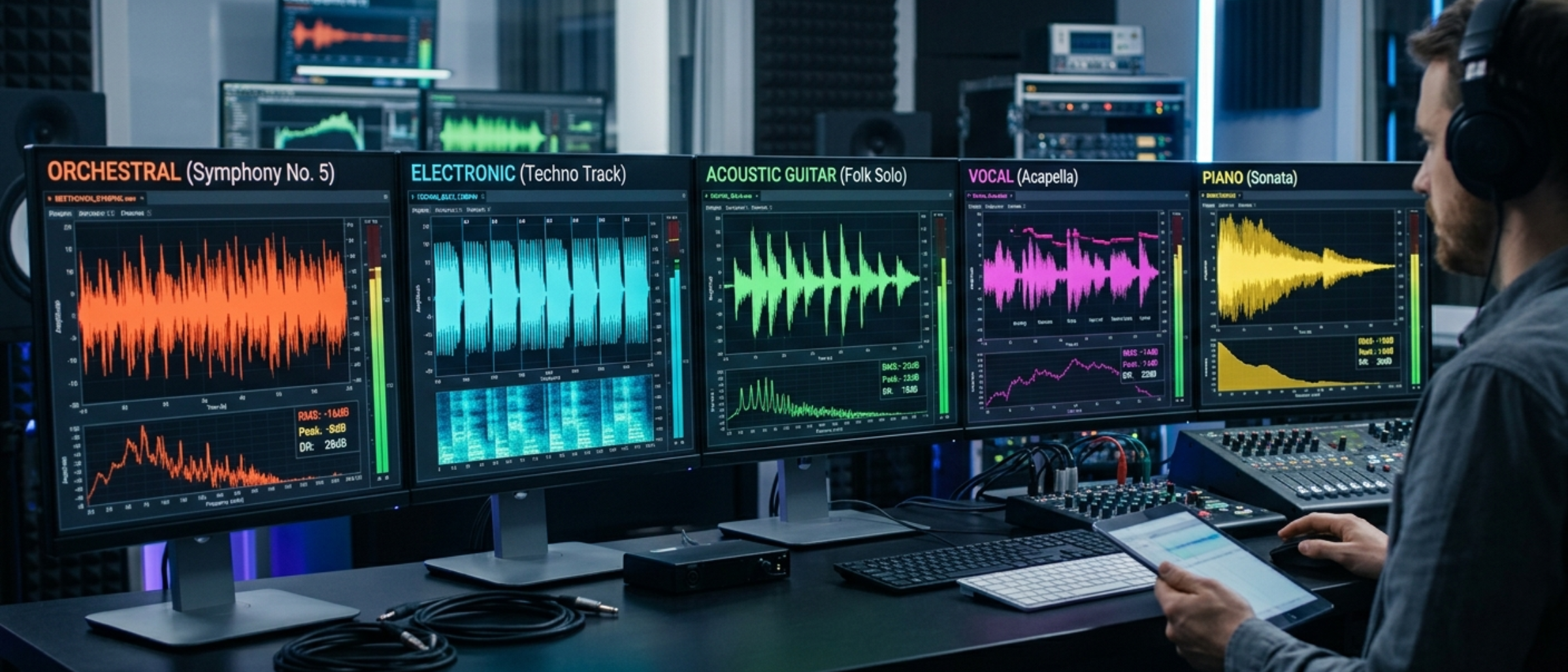
This guide breaks down what to evaluate when choosing an AI music generator, with honest comparisons of the major players.
The Five Things That Actually Matter
1. Audio Quality
This is the obvious starting point. In 2026, the top-tier generators have largely converged on quality. Suno v4, Udio, and the MiniMax models integrated into platforms like MusicFlowAI all produce tracks that can pass for human-made in many genres.
What to test:
- Generate the same prompt across platforms and compare
- Pay attention to vocals - quality differences are most noticeable here
- Test your specific genre. A tool might excel at pop but struggle with jazz
- Listen for artifacts: unnatural transitions, repetitive patterns, or clipping
The leaders: Suno and Udio are well-known for raw audio fidelity. MusicFlowAI provides a comparable high-quality generation engine while adding the critical "missing middle" of YouTube automation. It also supports importing your Suno/Udio tracks to utilize its superior publishing pipeline.
2. Workflow Integration
Here's where tools diverge significantly. Audio quality is table stakes. The real question is: what happens after you generate a track?
If you're generating music for personal enjoyment, audio quality is all that matters. But if you're creating content for YouTube, Spotify, or social media, you need the full pipeline:
- Just audio: Suno, Udio, AIVA, Boomy
- Audio + video: MusicFlowAI
- Audio + video + publishing: MusicFlowAI (the only platform that handles this end-to-end)
For YouTube creators, workflow integration isn't a nice-to-have - it's the difference between publishing one video per week and one per day.
3. Customization and Control
How much control do you have over the output?
Prompt-based control:
- Genre and mood descriptors
- Instrumentation requests
- Structure tags (intro, verse, chorus, bridge, outro)
- BPM and key specification
- Vocal style and language
Post-generation control:
- Can you edit specific sections?
- Can you extend or shorten tracks?
- Can you create variations?
- Can you separate stems?
Suno offers good prompt-based control with its v4 model. MusicFlowAI adds a layer through Producer personas - AI profiles with system prompts that consistently generate in a particular style.
4. Pricing and Value
| Platform | Free Tier | Paid Starting At | What You Get |
|---|---|---|---|
| Suno | 5 songs/day | $10/month | 500 songs/month |
| Udio | Limited | $10/month | 1,200 songs/month |
| Boomy | 3 songs/month | $10/month | Unlimited |
| AIVA | 3 downloads/month | $15/month | 300 downloads |
| MusicFlowAI | Trial | $19/month | 10 audio + 5 video + YouTube publishing |
The pricing isn't apples-to-apples. Suno at $10/month gives you 500 songs but zero video creation or publishing. MusicFlowAI at $19/month includes fewer songs but adds video rendering, thumbnails, and auto-publishing.
The real cost calculation: If you're building a YouTube channel using Suno ($10) + Canva Pro ($13) + TubeBuddy ($8) + hours of manual work, you're spending $31/month plus your time. MusicFlowAI at $49/month (Growth plan) replaces all of these and automates the manual work.
5. Rights and Licensing
Critical for commercial use and YouTube monetization:
- Suno Pro: Own the output, monetize commercially
- Udio Pro: Commercial use on paid plans
- MusicFlowAI: Commercial use allowed, Content ID friendly
- Boomy: Revenue share model
- AIVA: Full ownership on Creator plan and above
Make sure your chosen tool explicitly allows commercial use and YouTube monetization on your plan tier.
How to Choose
Pick based on your actual use case:
- "I want to listen to AI music for fun" → Suno free tier
- "I'm a musician wanting AI composition help" → AIVA or Udio
- "I want to distribute AI music to Spotify" → Boomy or Suno
- "I want to build a YouTube music channel" → MusicFlowAI
- "I want to run multiple YouTube channels at scale" → MusicFlowAI Scale or Unlimited
The most common mistake is choosing based on audio quality alone. For YouTube creators, the bottleneck is never the music - it's everything after: video production, metadata, consistent publishing. That's the problem MusicFlowAI solves.
Suno: The Audio Quality Champion
Suno excels at generating impressive audio from text prompts. Their v4 model handles vocals across languages and styles convincingly. The interface is straightforward.
Limitation: Suno stops at the audio file. Publishing to YouTube means separately creating a video, designing a thumbnail, writing metadata, and uploading. For daily uploads, this becomes a serious bottleneck.
Udio: Technical Control
Udio offers excellent audio fidelity with granular control over generation parameters. Particularly strong for instrumental and electronic genres.
Limitation: Same as Suno - audio only. No video, no publishing pipeline.
MusicFlowAI: The Full Pipeline
MusicFlowAI's value isn't a proprietary audio model. It's connecting every step of the YouTube music content workflow: lyrics, audio, video with lyrics overlay, thumbnail, SEO metadata, and publishing.
The Autopilot mode is the differentiator: schedule content, optionally review it, and let it publish automatically.
Limitation: Fewer raw audio generations per dollar versus pure audio tools. The value is in workflow, not volume.
AIVA: The Composer's Tool
AIVA specializes in instrumental composition with a focus on classical and cinematic genres. Offers a sheet music editor and MIDI export.
Limitation: Limited genre range. Not designed for YouTube content workflows.
Final Thoughts
Audio quality will keep improving across all platforms. The real differentiator going forward is workflow - how well a tool fits into your content creation process.
If you're building a YouTube channel around AI music, evaluate tools on the full pipeline, not just the audio. The hours saved on video creation, thumbnail design, and publishing automation determine whether your channel is sustainable.
Try MusicFlowAI free to see how the all-in-one workflow compares to your current setup.